Now showing · TableGenie Movies

Order from the seat. Never miss the scene.

A QR on every seat opens your concessions menu on the guest's own phone — dark, quiet and easy to read in the hall. Popcorn to the seat now, at the interval, or ready at the counter. Paid online into your own account.

  • No app to install
  • Dark-mode menu
  • Interval delivery
  • Live in a day
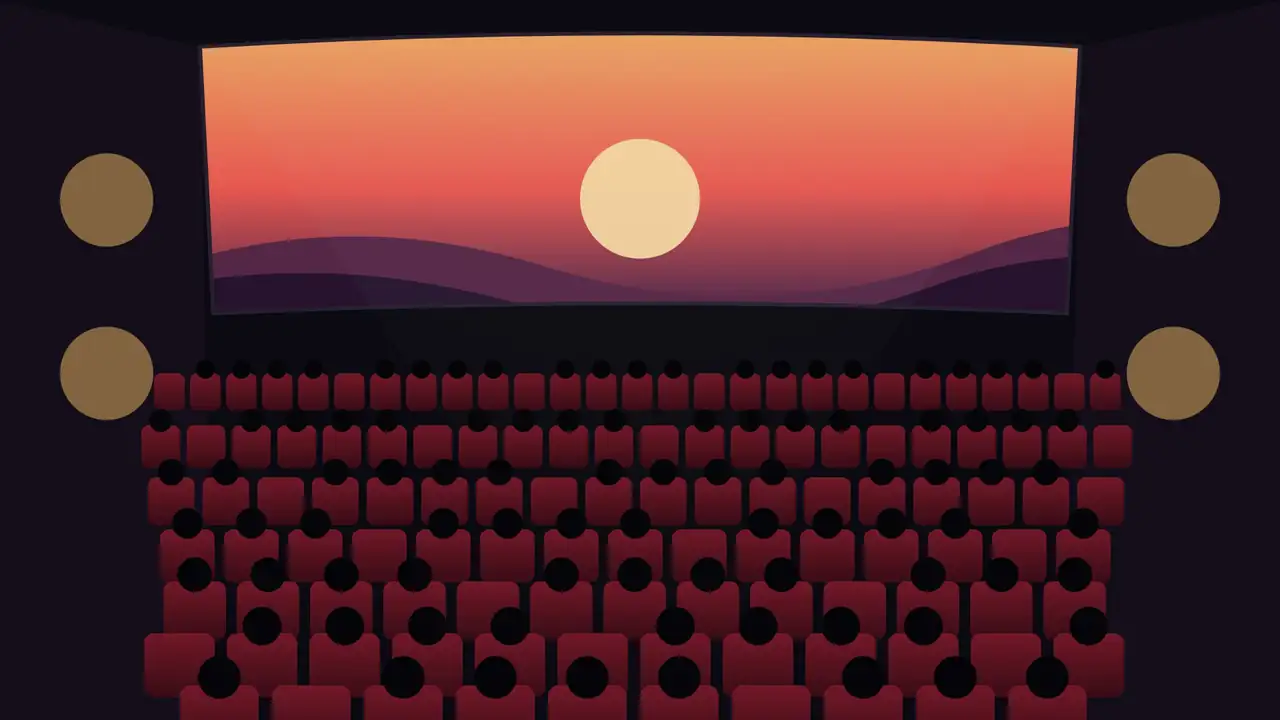
A cinema hall as the lights go down, a QR on the armrest of seat F12. Scroll to play

The lights go down. The queue doesn't.

Seat F12 scans the QR on the armrest.

Popcorn, timed for the interval.

Delivered to the seat. Nobody missed a thing.

The trailer

One minute. No spoilers.

What a guest sees in the dark, what your counter and runners see, and how the show sets the clock.

Sound optional — every word is on screen.
How it works

Three ways to get the popcorn. All from the seat.

The guest scans the QR on their seat — the screen and seat are already filled in — and chooses how the food should reach them.

To the seat, now

A runner brings it straight to F12 — quietly, with the seat on the ticket. Closes a set time before the end credits.

Last orders: you choose

At the interval

Ordered during the first half, cooked just in time, and waiting at the seat when the lights come up.

Kitchen fires it 10 min before

Express pickup

Order from the seat or the lobby, skip the queue, and collect at the counter when the order number is called.

Order #41 — ready
Scene by scene

From the armrest to the aisle.

Scene 1 · Scan

The seat is already filled in.

Every seat's QR carries its screen and seat number. No typing "F12" in the dark, no app, no login.

Printed per screen from your console
D
E
F
G
Audi 2 · F12 scanned · menu open
Scene 2 · Choose

A menu made for the dark.

Low glare, big buttons, no white flashes. Combos, sizes and extras exactly as your counter sells them — and sold-out items simply don't show.

In twelve languages
Audi 2 · F12ConcessionsPopular right now
Caramel popcornRegular · Large
Make it a combo −₹60
+
Cold drinkRegular · Large
+
Nachos & cheeseJalapeño +₹30
+
2 items · ₹540
Scene 3 · When

Now, at the interval, or pickup.

The show sets the clock. Seat delivery closes before the end credits, the interval option closes before the interval, and pickup is always there.

Timed to your show schedule
Hindi · 2D · Audi 2When should it come?Interval at 9:40
To my seat nowAbout 8 minutes
At the intervalWaiting at F12 at 9:40
Express pickupCounter, Level 2
Pay ₹540 online
Pay the runner
Scene 4 · Track

No craning towards the door.

The guest watches the order go from received, to being made, to on its way — with the pickup number when it is for the counter.

Silent — no buzzing in the hall
Audi 2 · F12Your orderAt the interval · 9:40
#41Order number
Received · paid
Being made · 9:30
On its way to F12
Delivered
Call an usher
Scene 5 · The counter

One board for the whole concession.

Now, interval and pickup orders in their own lanes. Interval orders wait until it is time to cook them. Runners see where to go.

With a chime, on any screen
Concessions3 shows running
Now
#42 · C72 items
#44 · J3Nachos
Interval
#41 · F12fire 9:30
#43 · F13fire 9:30
Pickup
#39Ready
Runners
Audi 2 · F12Row F, right
Scene 6 · Deliver

To F12. Lights still down.

Runners get the seat, the row and which side to come from. One tap marks it delivered — and the guest's phone already knows.

Usher calls on the same screen
E
F
G
#41 · F12 · row F, from the right aisleDelivered
G8 · Spill · Imran on the way
Call an usher

Help, without walking out mid-film.

Each call lands on every staff screen with the screen, the seat and what it is about. Switch off the ones you don't need; help and medical are always there.

Medical

Marked emergency, never slowed by limits.

Need help

"Can someone come to F12?" — quietly.

Spill & cleaning

Cleaned before the next show seats it.

Too cold / too warm

The AC complaint, with the screen on it.

Picture problem

Out of focus, too dark, wrong ratio — urgent.

Sound problem

Too loud, too quiet, one side dead — urgent.

Someone's disturbing

A phone screen or a loud row — handled without a scene.

Lost & found

"I left my glasses at G8" — with the seat on it.

For your team

Counter, runners and ushers on one screen.

On the counter PC, a tablet in the pass or a runner's phone. Staff logins see orders and calls — never your prices, settings or money.

  • Shows, with the intervalEnter today's shows per screen — start, running time, interval — or copy yesterday's.
  • Lanes that hold interval ordersNow, interval, pickup and runners — an interval order moves to the kitchen when it is time to cook it.
  • Sold out, everywhere, in one tapCaramel gone? It disappears from every seat's menu at once.
  • Seat QR stickers, printedA sheet of armrest stickers per screen, seat by seat, from your layout.
  • Sales by show and screenWhich show sells, what sells at the interval, and the takings at day close.
Safe by design

Easy to order. Hard to fool.

A secret key per screen

A seat QR works only with its screen's key. Replace it from the console and every old sticker in that screen stops working.

Real seats only

Every order is checked against your seat layout — a seat that isn't in the screen can't order.

₹

Prices are never the phone's

Every price and total comes from your menu on the server; the phone sends only what was chosen.

Payments verified

Online payments go to your own PayU account and are verified before an order counts as paid. Its secret never reaches the page.

Unpaid orders clear themselves

An online order nobody paid for leaves the board after twenty minutes — no popcorn made for nobody.

Logins with roles

Staff move orders and answer calls. Only you change prices, screens, shows and settings.

Calls for an usher reach your staff instantly. They do not replace your fire alarm, public address or emergency procedures.

Pricing

Priced per cinema, not per seat.

We quote on your screens and how you sell, and the quote is the whole price — no hardware, no per-seat charge.

Everything included
One plan. Every screen.

Seat, interval and pickup ordering, the concession board, usher calls, seat QR stickers, online payment through your own PayU account, and sales by show.

  • A simple monthly subscription
  • A small share of food ordered through it — agreed up front
  • Your money settles straight to you
Get a quote
Already on TableGenie?
Same login.

TableGenie Movies runs on the same platform as TableGenie for restaurants: one menu editor, one billing, one day close.

TableGenie for restaurants
Questions

What cinema managers ask first.

Won't phones light up the hall?

The guest's page is dark by design — no white screens, no flashes, big low-glare buttons — and it is quick: scan, choose, done. Most orders take under a minute.

How does interval delivery know when the interval is?

From your show schedule: each show has its start, running time and interval. Interval orders wait on the board and move to the kitchen a set number of minutes before the interval — you choose how many.

Can guests order before the film starts?

Yes. Seat ordering opens a set time before the show (45 minutes unless you change it), and express pickup works from the lobby too, paid online.

What if someone orders and never pays?

Online orders are held as "awaiting payment" — your team doesn't cook them — and clear themselves after twenty minutes. If you allow pay-later, the runner or the counter marks it paid.

Do we need new hardware?

No. A printed sticker per seat, and any screen you already have at the counter. Runners can use their own phones.

Can we stop seat delivery near the end of the film?

Yes — seat delivery closes a set time before the show ends (15 minutes unless you change it). Pickup stays open.

Which languages do guests see?

English, Hindi, Mandarin, Spanish, Arabic, French, Bengali, Portuguese, Russian, Indonesian, Urdu and Japanese — from the phone's own language.

Book a demo

See it in your own hall.

Tell us about your cinema. We'll set up one screen with your menu and seat stickers and run a show with your team — before you decide anything.

  1. A 20-minute call at a time that suits you
  2. Your menu, screens and shows set up
  3. A live trial on one screen
Phone & WhatsApp+91 95526 20234

We use your details only to get back to you about this demo.