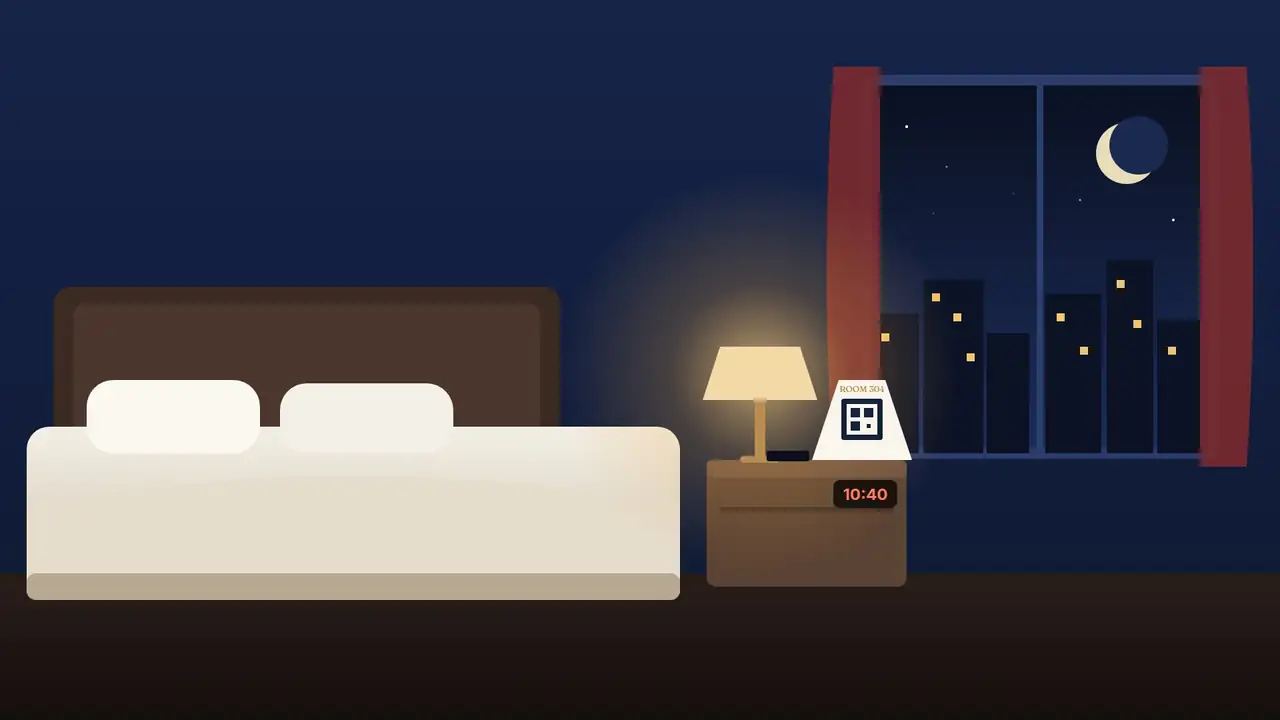
Every room gets a QR card that opens its own page on the guest's phone:
the front desk, housekeeping, room service, the Wi-Fi password and an
SOS button — in their language, with no app. And your own booking page
takes reservations direct, paid into your own account.
Seventy seconds, from the room to the reservation.
What a guest sees, what your front desk sees, and what a direct booking keeps in the hotel.
Sound optional — every word is on screen.
What you get
Two things every hotel needs. One login.
Use the room QR on its own, direct booking on its own, or both together. Either way your front desk works from one screen.
Room QR service
The front desk, on every guest's phone.
A card in each room opens that room's own page — no app, no sign-in, and it already knows the room number.
Housekeeping, towels, room service, wake-up calls, taxis, late checkout
An SOS button that sounds on every front-desk screen
Wi-Fi details, check-out time and breakfast hours, one tap away
Guests watch their request go from seen, to on the way, to done
Flat monthly fee per room · no commissionDirect booking
Your rooms, your rates, your money.
Your own booking page with live availability. Guests pay at the hotel or online — straight into your own payment account.
Room types, photos, weekday and weekend rates, tax set your way
Rooms are held while a guest pays, so a night never sells twice
Your free-cancellation window, enforced to the minute
Walk-ins and phone bookings from the same screen
No hefty commission · paid into your own account
Step by step
From a card on the bedside table to a guest who comes back.
01 · Scan
A card by the bed is the whole install.
Each room gets its own QR card, printed from your console. Nothing to install in the room, nothing for the guest to download.
Replace any card in one tap
The Saffron Court
Room 304
Scan for anything you need
02 · Ask
Everything the room phone was for — and more.
Towels, housekeeping, room service, a wake-up call, a taxi, late checkout. One tap, and the request reaches the desk with the room number on it.
In twelve languages
The Saffron CourtRoom 304How can we help?
Housekeeping
Towels
Room service
Wake-up
Taxi
Late checkout
Fresh towelsSent to the front desk
Sent
Fresh towelsAsha · Housekeeping
On the way
03 · SOS
When it matters, one button.
Medical, fire, security. A red alarm sounds on every front-desk screen with the room number, and the guest sees the emergency number to call.
Never slowed down by limits
EmergencyRoom 304Help is a press away
SOS
MedicalFireSecurityOther
Alert sentThe desk is on its way
0:04
04 · The desk
Your team works it all from one board.
New requests chime. Nothing sits unseen. Every request is timed, so you know how fast your floor really responds.
Works on the desk PC or a phone
SOS · Room 304 Medical · 0:04
New
412 · AC not coolingMaintenance · 1m
207 · Wake-up 6:30Tomorrow
On the way
304 · TowelsAsha · 3m
118 · Room serviceKitchen · 9m
Done
221 · Taxi 7:00Booked
305 · Extra pillow4 min
05 · Book direct
Your own booking page, with live availability.
Guests pick dates and see the rooms that are actually free, at your rates. They pay at the hotel or online — into your own account — and rooms are held while they pay.
Confirmation and a manage-my-booking link
Check-inFri 16 Oct
Check-outSun 18 Oct
Standard QueenSleeps 2
₹7,2003 left
Deluxe KingSleeps 3 · city view
₹9,8002 left
Pay ₹9,800 online
Confirmed · S-7K3P9Q Paid to The Saffron Court
06 · Check in, check out
The front desk, without the register.
Arrivals, in-house and departures at a glance. Assign the room, take the payment, mark it for cleaning — and the room's QR follows the stay.
Housekeeping status for every room
301Deluxe KingVacant · clean
304R. Mehta · 2 nightsChecked in
305Checked out 11:04Cleaning
306Arriving 2 pm · paidReady
On the guest's phone
Everything a room can ask for.
Switch each one on or off for your hotel. The desk, "something else", feedback, do-not-disturb and SOS are always there.
SOS
Medical, fire or security — a red alarm on every desk screen.
Front desk
"Can someone come up?" without a phone call.
Housekeeping
Clean the room now, or when they step out.
Towels & toiletries
Fresh towels, bedding, toiletries — counted, not forgotten.
Room service
Through your TableGenie menu, when you run the restaurant on it too.
Wake-up call
The guest picks the time; it lands on the desk's list.
Late checkout
Asked for in the room, answered by the desk.
Taxi
"A cab at 7:00, please" — with the time on it.
Maintenance
AC, TV, plumbing, power, Wi-Fi — marked urgent.
Wi-Fi
Network and password, copied in one tap.
Do not disturb
Switched from the bed; housekeeping sees it.
Feedback
Stars and a note while they're still in the room — not on a review site.
For the front desk
One screen runs the floor.
On the desk PC, a tablet or the duty manager's phone. Front-desk logins see the board and the bookings — never your rates, settings or money.
Requests board with soundNew, on the way, done — and an alarm that will not be missed for SOS.
Arrivals, in-house, departuresCheck in, assign rooms, check out, mark no-shows, take payments.
Rooms and housekeepingVacant, occupied, cleaning, out of order — at a glance.
Walk-ins and phone bookingsBooked from the same availability, so the web never sells the same night.
Room QR cards, printedA ready-to-print card for every room, from the console.
RequestsThe Saffron Court · tonight
SOS
Room 304 · MedicalPressed 0:04 ago
I'm going
New 3
412 · AC not coolingMaintenance · 1m
207 · Wake-up 6:30for tomorrow
119 · Late checkout 1 pm2m
On the way 2
304 · Fresh towelsAsha · 3m
118 · Room serviceKitchen · 9m
Done 14
221 · Taxi at 7:00booked · 2m to answer
305 · Extra pillow4m to answer
Safe by design
Open to guests. Closed to everyone else.
A secret key in every QR
A room's page opens only with its own card. Replace a card from the console and the old one stops working at once.
Only checked-in rooms, if you like
Switch it on and a card in an empty room — or one a past guest photographed — can't send requests.
Guests can't see each other
A phone sees its own room and its own requests. Bookings, rooms and guest details are staff-only.
Prices are never the phone's
Every rate and total is worked out on the server and every online payment is verified before a booking is confirmed.
Logins with roles
Owners see everything. Front-desk logins see the board and the bookings — not rates, settings or money.
Your payment account
Online payments go to your own PayU account. Its secret never leaves the server — not in the page, not in the network log.
SOS alerts your staff instantly. It does not replace your fire alarm or the emergency services — the number to call is always on the guest's screen.
Pricing
Simple enough to explain at the front desk.
We quote on your room count, and the quote is the whole price.
Room QR service
A flat fee per room, per month.
No commission, no per-request charges, no hardware. Rooms you add are billed from the next month.
Payments go straight to your own PayU account. If your plan carries a booking fee, it is a small percentage agreed up front — and only on bookings made online.
* Commission commonly charged per booking by online travel agencies; it varies by agency, contract and city.
Questions
What hoteliers ask us first.
Do guests need to download anything?
No. The card opens a web page in the phone's own browser. There is no app, no sign-up and no password — the room is in the QR.
What stops a past guest from sending requests?
Two things. You can allow requests only from rooms that are checked in, and you can replace a room's card from the console at any time, which retires the old one immediately.
Does SOS replace our fire alarm or the room phone?
No — it adds to them. SOS puts a red alarm with the room number on every front-desk screen, and shows the guest your emergency number. Keep your alarms and phones exactly as they are.
How do online payments work?
Through your own PayU merchant account, so the money settles to you. The booking is confirmed only after the payment is verified on our server, and the rooms are held for the guest while they pay.
Can we use direct booking and the room QR separately?
Yes. Switch booking on when you are ready; the room QR works on its own from day one.
We also run a restaurant. Does that work too?
Yes — TableGenie runs the restaurant's QR ordering, kitchen and billing, and a room can order room service from the same menu.
Which languages do guests see?
English, Hindi, Mandarin, Spanish, Arabic, French, Bengali, Portuguese, Russian, Indonesian, Urdu and Japanese — chosen from the phone's own language.
Book a demo
See it on your own rooms.
Tell us about your property. We'll set up a few of your rooms, print the cards and show your front desk the board — before you decide anything.